Updated 29 September 2026 · 8 min read · By the IPTV Ireland team
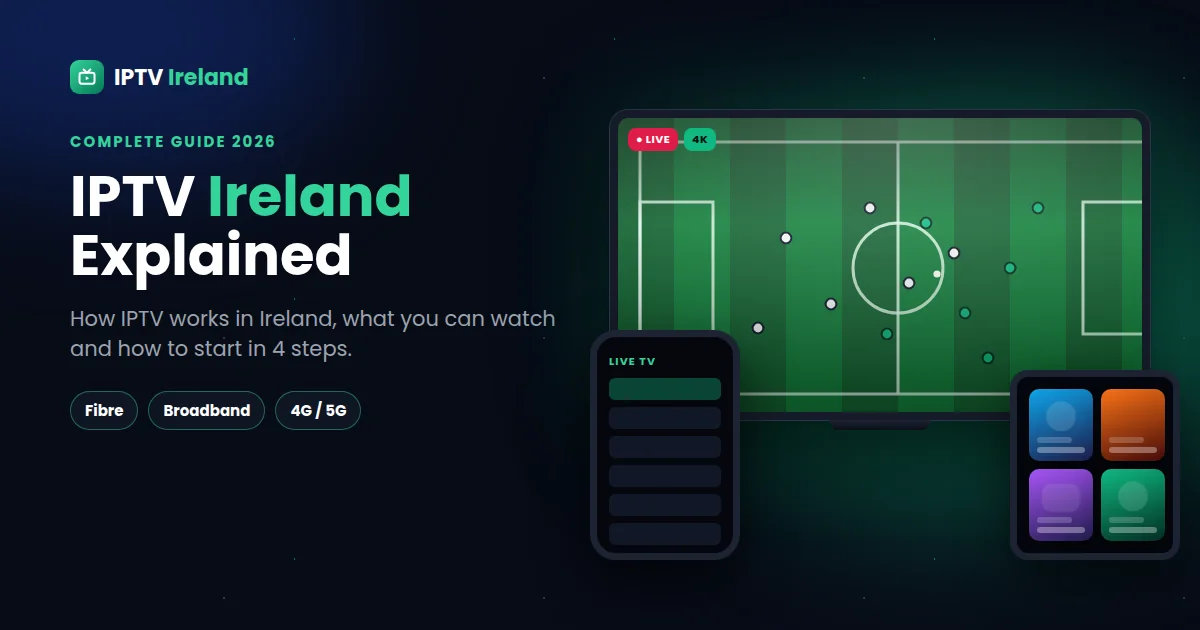
IPTV Ireland is changing the way people watch television, from Dublin apartments to farmhouses in Kerry. Instead of a satellite dish, an aerial or a rented cable box, you stream live TV, sport, movies and series straight through your internet connection — on the TV, Firestick, phone or tablet you already own.
This IPTV Ireland guide explains in plain words how IPTV works in Ireland, what you can watch, what you need, and how to get started in a few minutes.
In this guide
What is IPTV Ireland?
IPTV stands for Internet Protocol Television. It simply means that TV is delivered over the internet instead of through a dish, an aerial or a cable network. When people search for "IPTV Ireland", they are usually looking for an IPTV service that works well on Irish broadband, includes the content Irish viewers want to watch, and offers support at Irish times of day.
With an IPTV subscription you get a login that you add to an IPTV player app. The app then shows your channels with a TV guide, plus a library of movies and series on demand — just like a normal TV service, but on any screen.
How IPTV works in Ireland
Your IPTV provider streams channels from its servers. Your internet connection brings that stream to your device, and the player app displays it. That's all. It means IPTV works on every type of connection available in Ireland:
- Fibre broadband — the best option, perfect for 4K.
- Standard broadband (DSL / cable) — great for Full HD and HD.
- 4G and 5G home broadband — a good solution in rural areas where fibre hasn't arrived yet.
The quality you get depends on two things: the speed and stability of your own connection, and the quality of your provider's servers. That is why a free trial is so useful — it lets you test both at the same time.
IPTV vs satellite and cable TV
| IPTV | Satellite / cable TV | |
|---|---|---|
| Installation | Install an app, add your login | Dish or cable installation, set-top box |
| Devices | Smart TV, Firestick, Android, iPhone, iPad, MAG box | Usually the provider's box |
| Contract | No contract with IPTV Ireland: 1, 3, 6 or 12 months | Often a fixed-term contract |
| Moving house | Take it anywhere with internet | New installation may be needed |
| On demand | Movies & series library included | Depends on the package |
IPTV is not for everyone: it needs a reasonably stable internet connection. But for most homes in Ireland, it is a simpler and more flexible way to watch TV.
What you can watch with IPTV Ireland
- Live TV — Irish, UK and international channels with a TV guide (EPG).
- Live sport — follow your matches in 4K, Full HD or HD, depending on your connection.
- Movies and series on demand — a large library you can start any time.
- Catch-up — on many channels, so you don't miss a programme.
Want to check a specific channel before you subscribe? See our IPTV Ireland channel list page or ask our team for the full, up-to-date list on WhatsApp.
What you need to watch IPTV in Ireland
- A compatible device — Samsung or LG Smart TV, Amazon Firestick, Android TV box, Android phone, iPhone, iPad or MAG box.
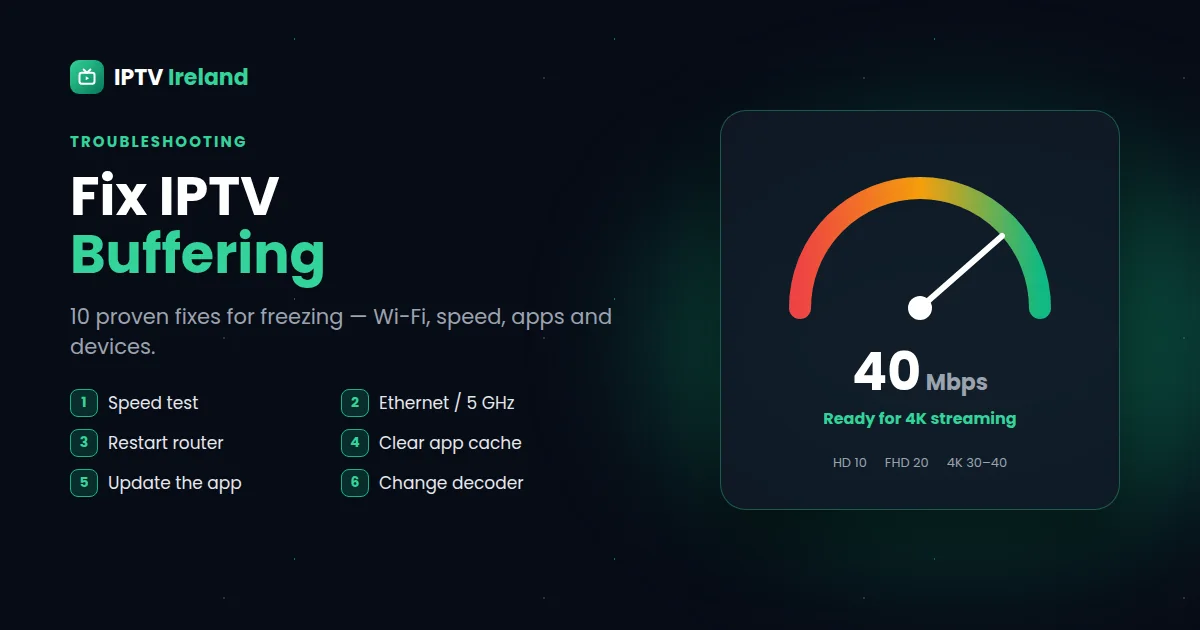
- An internet connection — at least 10 Mbps for HD, 20 Mbps for Full HD and 30–40 Mbps for 4K. Check yours with Speedtest.
- An IPTV player app — such as TiviMate, IPTV Smarters or XCIPTV. We tell you which app suits your device.
- Your IPTV subscription login — sent to you on WhatsApp within minutes.
IPTV Ireland guide: how to start in 4 steps
- Ask for a free 30-minute trial on our contact page and test on your own TV.
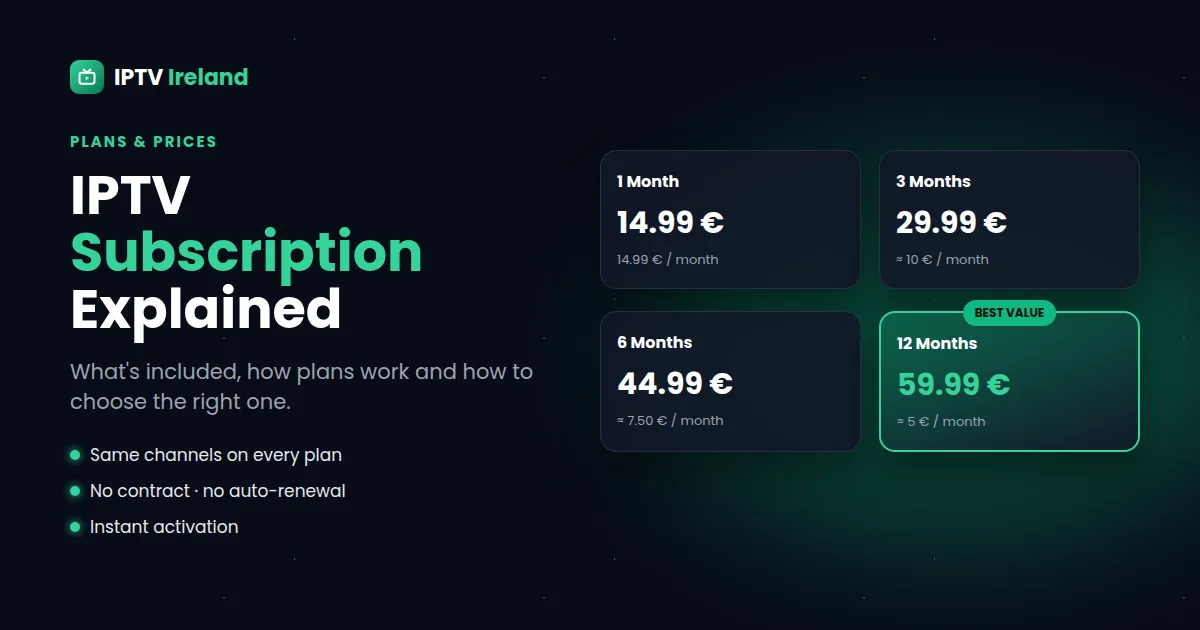
- Choose your plan — 1, 3, 6 or 12 months on our IPTV subscription prices page.
- Install your app with our step-by-step IPTV setup guides.
- Log in and watch — live TV, sport, movies and series in 4K, Full HD or HD.
Tips for the best IPTV experience in Ireland
- Connect your main TV device with an Ethernet cable, or use 5 GHz Wi-Fi.
- In rural areas on 4G/5G, place your router near a window for a better signal.
- During big matches, choose Full HD if your connection is close to the limit.
- Keep your player app and device software up to date.
- Any freezing? Follow our guide on how to fix IPTV buffering.
That's the end of our IPTV Ireland guide. Ready to try the best IPTV Ireland service for yourself? Start with a free trial — no payment needed.