
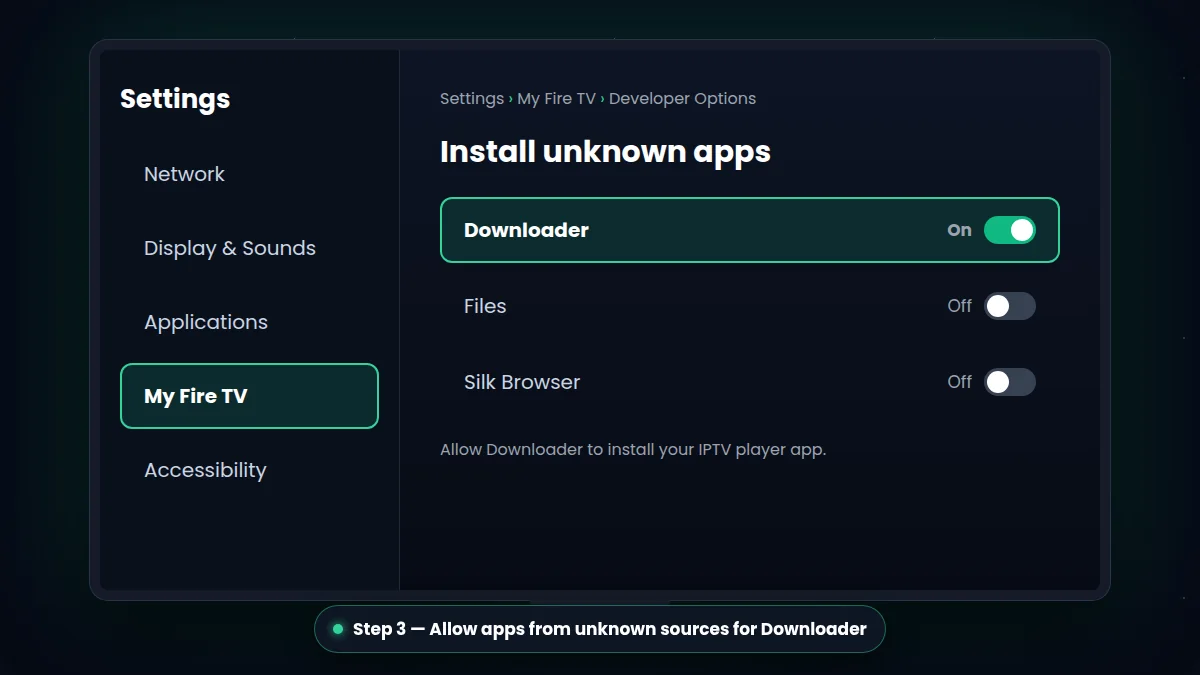
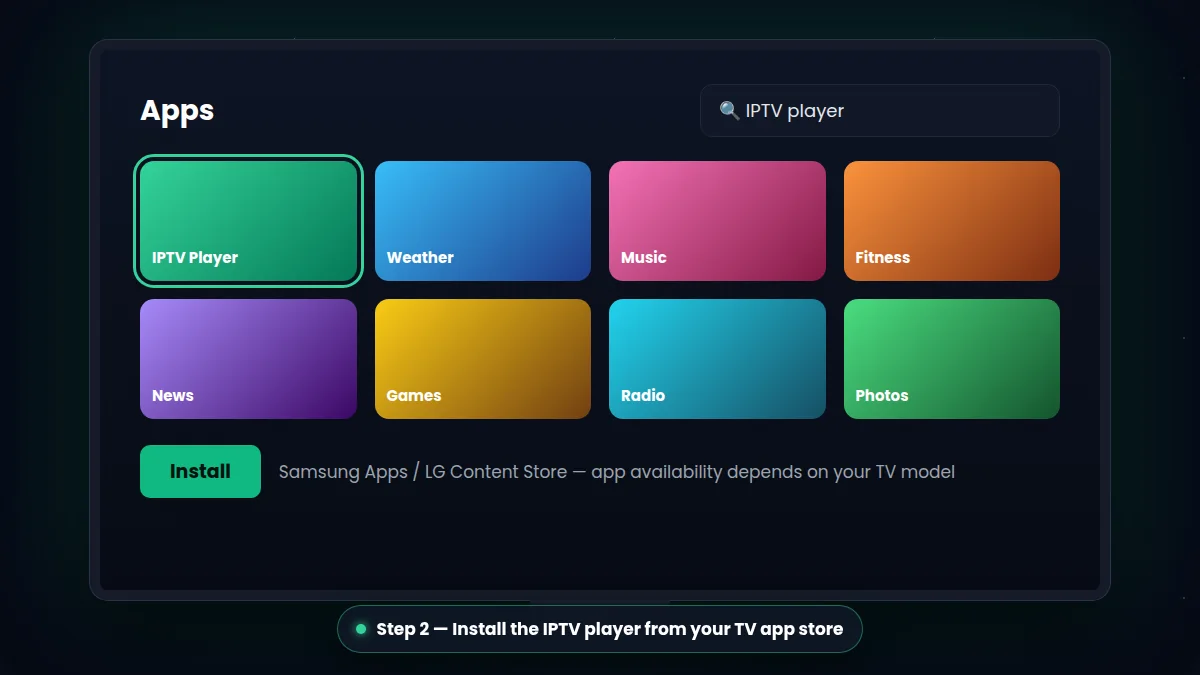
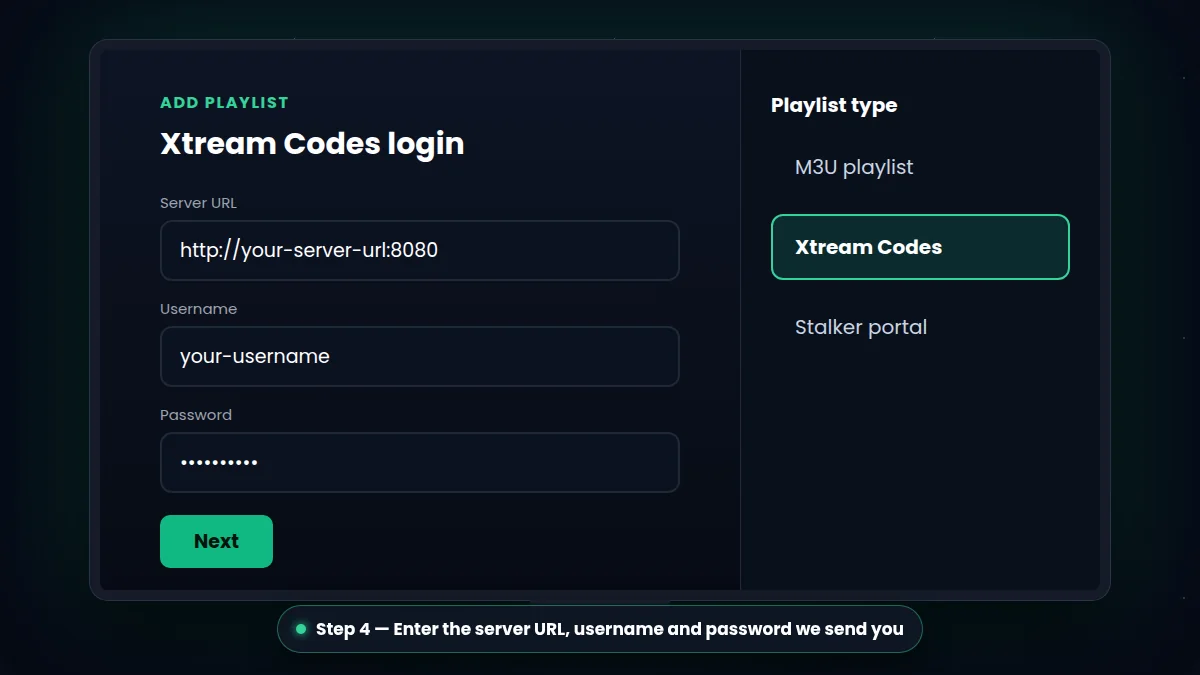
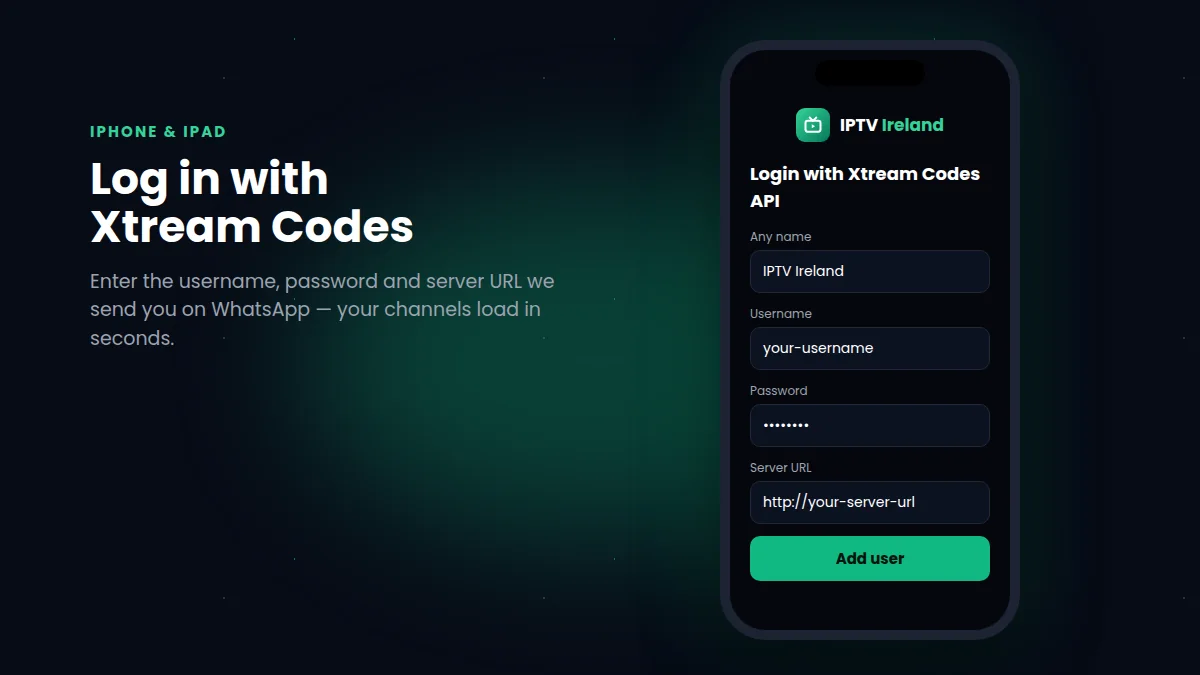
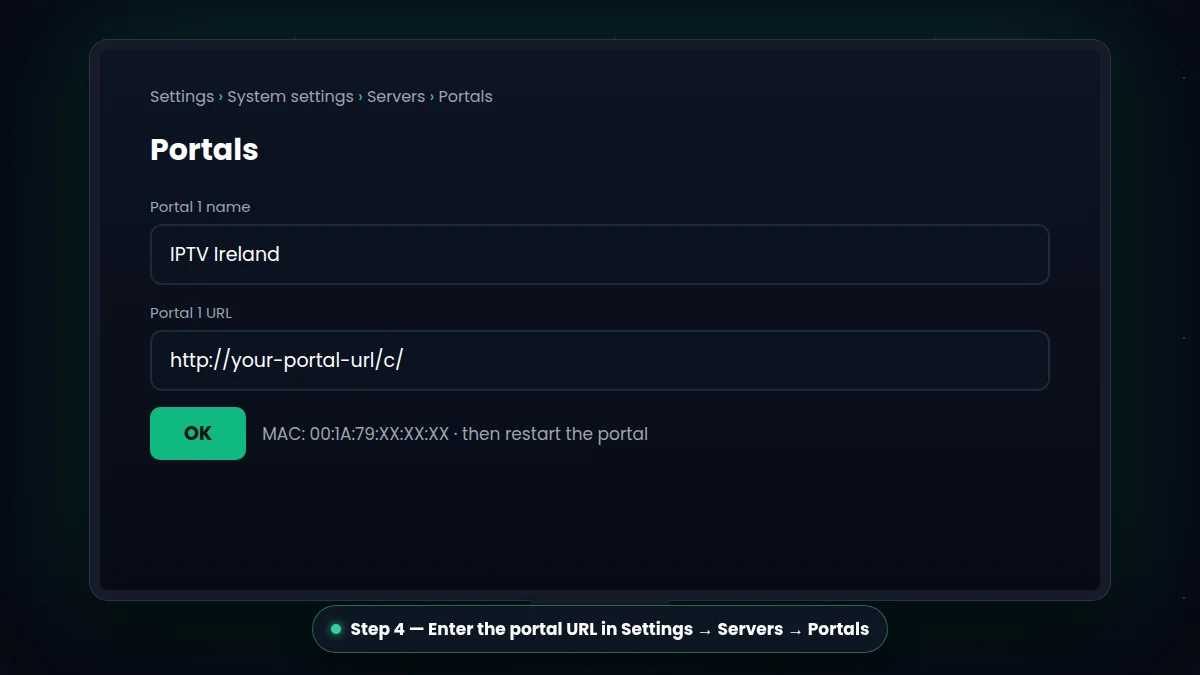
How IPTV setup works (on every device)
These IPTV setup guides cover every popular device in Ireland, with the exact menus to open and the details to enter.
Setting up IPTV is the same simple idea on every screen: you install an IPTV player app, then you add the login details we send you. The app is only the "player" — your channels, TV guide (EPG) and movies & series library come from your IPTV Ireland subscription.
- Get your login. Order a plan on our pricing page or ask for the free 30-minute trial. We send your username, password and server URL on WhatsApp within minutes.
- Install a player app. Pick the guide for your device above. Popular players are TiviMate, IPTV Smarters and XCIPTV, but the best choice depends on your device — we always tell you which one to use.
- Log in and watch. Enter your details, wait for channels and the TV guide to load, and start watching live TV, sport, movies and series in 4K, Full HD or HD.
Which device gives the best experience?
For the smoothest picture and fastest channel switching, a recent Amazon Fire TV Stick 4K or a good Android TV box connected by Ethernet is hard to beat. Modern Samsung and LG Smart TVs work well too, without any extra box. Phones and tablets are perfect for watching around the house or on the go, and MAG boxes remain a simple plug-and-play option.
Tip: one plan includes one active connection. You can install your login on several devices, but watch on one screen at a time. Need more screens? Ask us on WhatsApp.
Internet speed for IPTV
We recommend at least 10 Mbps for HD, 20 Mbps for Full HD and 30–40 Mbps for 4K — you can check yours with Speedtest. If you notice freezing, read our guide on how to fix IPTV buffering or message our support team.
Which IPTV setup guide should you follow?
Our IPTV setup guides cover every popular device. Not sure where to start? Use this quick guide:
| Your device | Guide | Setup time |
|---|---|---|
| Amazon Firestick / Fire TV | IPTV on Firestick | About 10 minutes |
| Samsung or LG Smart TV | IPTV on Smart TV | 5–10 minutes |
| Android TV, box, phone, tablet | IPTV on Android | 5 minutes |
| iPhone, iPad, Apple TV | IPTV on iPhone | 5 minutes |
| MAG box | IPTV on MAG box | Under 5 minutes |
Common mistakes our IPTV setup guides help you avoid
- Typing the login wrong. Usernames, passwords and server URLs are case-sensitive.
- Using weak Wi-Fi. An Ethernet cable or 5 GHz Wi-Fi makes a big difference, especially for 4K.
- Installing the wrong app. Each device has a best player — our IPTV setup guides tell you which one.
- Watching on two screens at once. Each plan includes one active connection.
Still stuck after reading our IPTV setup guides? Message us on WhatsApp with a photo of your screen and we fix it with you in minutes.